 AstraGrit
EVERYDAY TOOLS · ANDROID
Vibe TV.
Your phone is your best remote.
One-tap control for Google TV & Android TV.
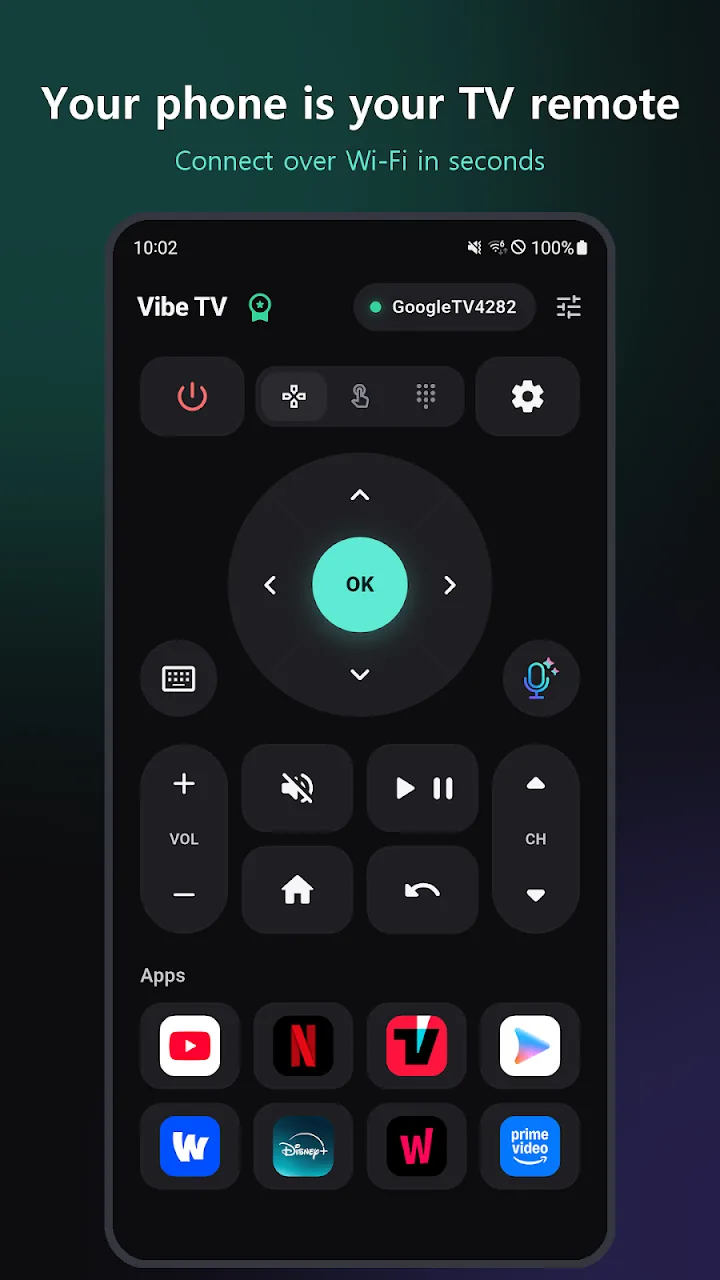
Vibe TV turns your phone into a fast, simple remote for Google TV and Android TV. Connect over Wi-Fi without sign-up hassles, type with your phone keyboard, use voice search, and control power from widgets.
01 / OVERVIEW
Turn your phone into a fast Google TV remote.
Vibe TV turns your phone into a fast, simple remote for Google TV and Android TV. Connect over Wi-Fi without sign-up hassles, type with your phone keyboard, use voice search, and control power from widgets.
02 / FEATURES
Thoughtfully crafted remote controls
- Large ergonomic D-pad with clear haptic feedback
- Switch to smooth touchpad mouse or number pad for channels
- Type directly with your phone keyboard or speak TV search terms
- One-tap app shortcuts for Netflix, YouTube, Disney+, and more
- Home screen widgets and Android Quick Settings tile for instant power control
- Compatible with Sony, TCL, Philips, Xiaomi, Chromecast, and Android TV devices
03 / HOW TO USE
Get started in three steps.
- Ensure your phone and TV are connected to the same Wi-Fi network.
- Launch Vibe TV, select your TV, and enter the pairing code displayed on screen once.
- Navigate smoothly with the D-pad, voice search, and home screen widgets.
04 / QUESTIONS
Frequently asked questions
Which devices are supported?
Any smart TV or streaming box running Google TV or Android TV (Chromecast, Sony, TCL, Xiaomi, NVIDIA SHIELD).
Is an account required?
No sign-up is required. Your pairing and settings remain strictly on your phone.
Try it on your Android device today.
Google PlayFor support, please include the app name and description of the issue. support@astragrit.com