 AstraGrit
EVERYDAY TOOLS · ANDROID
SafePick.
No distracting algorithms.
Safe, intentional YouTube for young children.
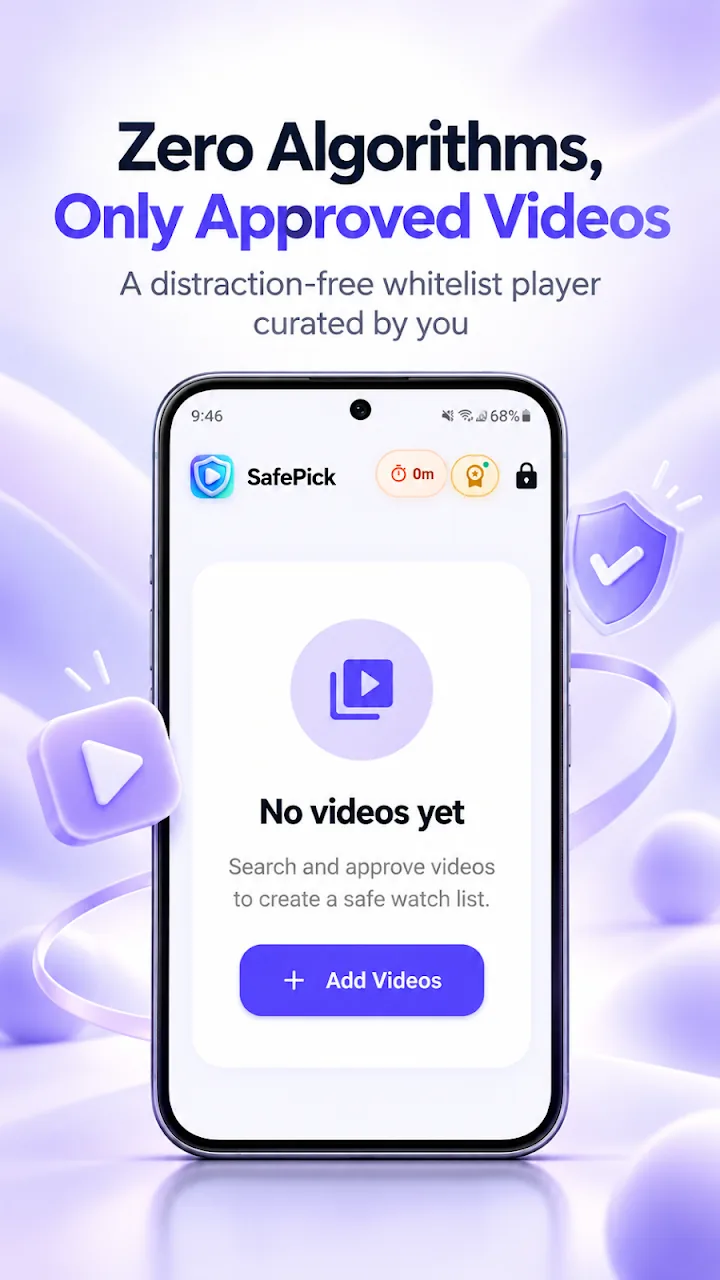
SafePick protects young children from endless algorithmic rabbit holes, clickbait thumbnails, and addictive short-form video feeds. Curate parent-approved channels and videos, enforce healthy daily screen time with auto-off timers, and secure settings with a parental PIN.
01 / OVERVIEW
A kid-safe, distraction-free YouTube player for young children.
SafePick protects young children from endless algorithmic rabbit holes, clickbait thumbnails, and addictive short-form video feeds. Updated on Oct 2, 2026 with an improved UI design and performance: a cleaner, snappier viewing experience while keeping its strict whitelist model.
02 / FEATURES
Built for focus, safety, and simplicity
- Completely shields young children from YouTube algorithmic feeds, infinite scrolling, and addictive shorts
- Whitelist-only library displaying only parent-approved channels and educational videos
- Improved UI design and performance for a snappier, cleaner viewing experience
- Smart daily watch limits (e.g. 30m, 1h) with automatic shutoff to prevent binge-watching
- Parental PIN lock to secure video search, library additions, and timer configurations
- Curated explorer for wholesome topics including nature, science, animals, and learning
- Clutter-free playback screen without comments, ads, or distracting sidebar links
03 / HOW TO USE
Get started in three steps.
- Parents search and add approved YouTube videos or wholesome kids' channels.
- Set daily viewing limits and lock configurations behind a parental PIN code.
- Children enjoy educational content in a safe, quiet, distraction-free player.
04 / QUESTIONS
Frequently asked questions
Why is SafePick safer for young children than standard YouTube?
Standard video platforms are engineered to maximize watch time through aggressive recommendation algorithms. SafePick uses a strict whitelist model where young children can only watch pre-approved videos, preventing accidental exposure to unsuitable content.
Can children change the time limit or add videos themselves?
No. Search, library curation, and daily timer settings are all protected by a parental PIN code that children cannot modify.
Can I set daily viewing limits?
Yes, you can set daily limits such as 30 minutes, 1 hour, or 2 hours. Playback automatically stops when time expires, helping establish healthy screen-time habits.
Try it on your Android device today.
Google PlayFor support, please include the app name and description of the issue. support@astragrit.com